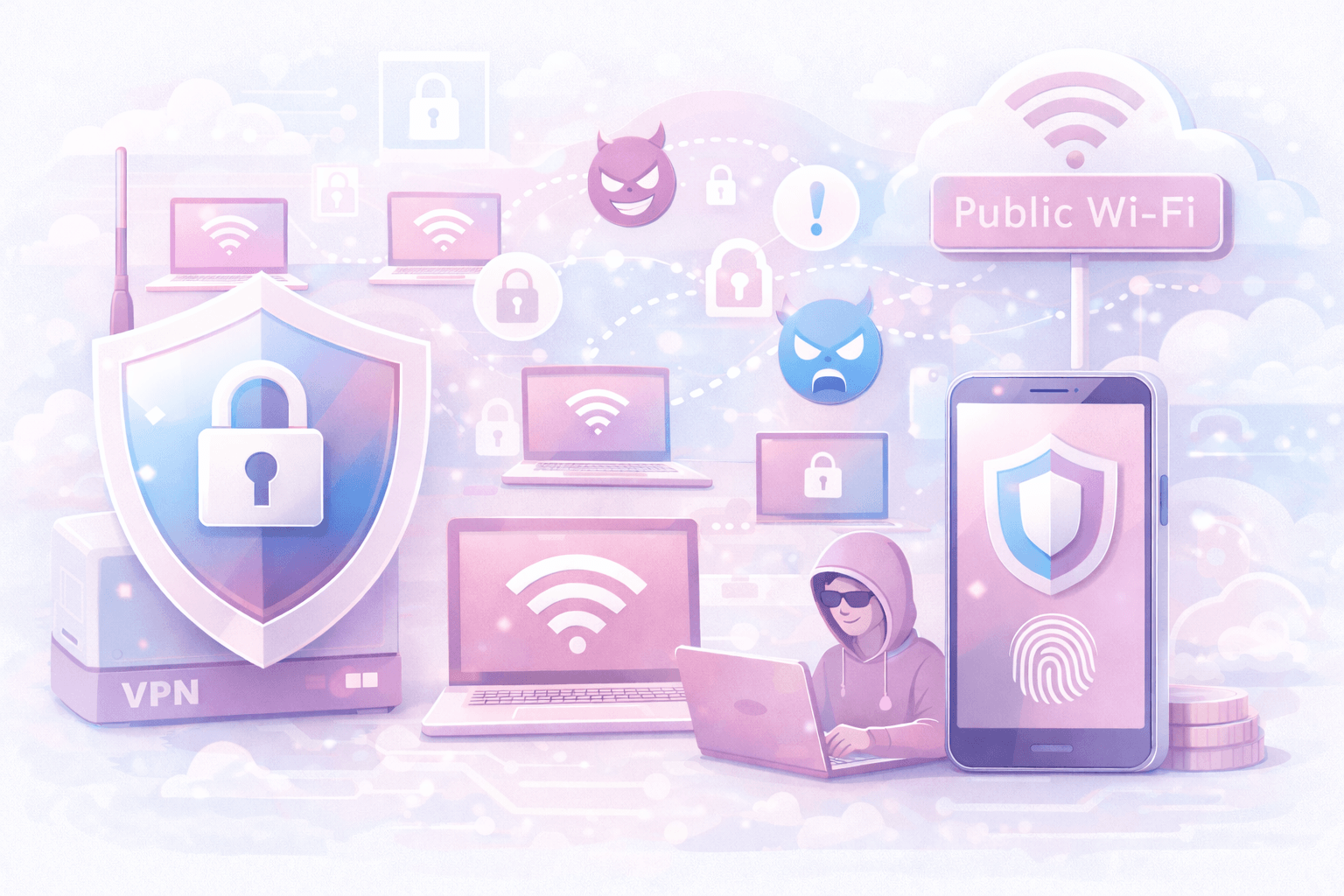
In today's digital world, bypassing internet censorship, protecting online privacy, and achieving high-speed connections are essential. Outline VPN, developed by Google's Jigsaw team, offers a powerful solution with a zero-log policy, up to 10 Gbps connection speeds, and unlimited device support. To use Outline VPN, you need an access key. Creating one is easy via the Telegram bot. Follow this step-by-step guide to generate your Outline VPN access key in minutes.
1. Start the Outline VPN Telegram Bot
Open Telegram and start @getoutlinevpn_bot. Click the 'Start' button. The bot will send a welcome message and show the menu. This takes just a few seconds.
2. Click on 'Get Access Key' Menu
In the bot's menu, select 'Get Access Key'. The bot will list available server locations and plans, including free trials and paid packages.
3. Choose a Suitable Server Location
Outline VPN offers servers in over 90 countries. Pick a location based on your needs: US or European servers for streaming (Netflix, HBO), Asian servers for low-ping gaming. The right choice optimizes your connection speed.
4. Copy Your Access Key
After confirming the location, the bot will generate a unique access key. Carefully copy the entire key. Missing characters will cause connection errors.
5. Add the Key to the Outline App and Connect
Download the Outline app on Windows, macOS, Android or iOS from official stores. Open the app, tap '+' or 'Add Key', and paste your key. The app connects instantly—you'll see 'Connected'. All traffic is now encrypted.
Outline VPN protects your internet traffic with modern encryption methods. It secures your connection using strong encryption algorithms like ChaCha20-Poly1305 during data transmission, and its zero-log policy ensures complete anonymity. Plus, you can try the service risk-free with a 14-day unconditional money-back guarantee. Create an access key now and enjoy uncensored, fast internet!
Related Topics
 06.10.2025
Smart Home Device Security with Outline VPN: Protecting Your IoT Devices Guide
While smart home devices make our modern lives easier, they also bring significant security risks. Smart cameras, thermostats, lighting systems, voice assistants, and other IoT devices create new targets for cyber attackers. Weak encryption protocols, security vulnerabilities, and data leaks threaten your home's digital security. Outline VPN, developed by Google's technology incubator Jigsaw, is a professional solution designed to secure your smart home devices. Your entire home network is protected with 256-bit military-grade encryption.
 16.04.2026
Data Security in Healthcare with Outline VPN: Guide to Protecting Patient Information
The healthcare sector is one of the most targeted industries by cyber attackers. Patient records, medical data, Electronic Health Records (EHR), and Protected Health Information (PHI) fetch high prices on darknet markets. In recent years, ransomware attacks, data breaches, and phishing attempts targeting hospitals have significantly increased. These attacks not only violate patient privacy but can also disrupt vital healthcare services. Outline VPN, developed by Google's technology incubator Jigsaw, is a professional solution designed to ensure data security in healthcare. All patient and medical data traffic is protected with 256-bit military-grade encryption.
 17.11.2025
E-Commerce Security with Outline VPN: Data Protection Guide for Online Shopping
With the rapid growth of e-commerce, security risks for online shoppers are also increasing. Credit card information theft, identity theft, fake shopping websites, and financial fraud are among the main risks threatening e-commerce users. Especially shopping over public Wi-Fi networks significantly increases the risk of your sensitive financial information falling into the hands of cybercriminals. Outline VPN, developed by Google's technology incubator Jigsaw, is a professional solution designed to secure your online shopping. All your e-commerce traffic is protected with 256-bit military-grade encryption.