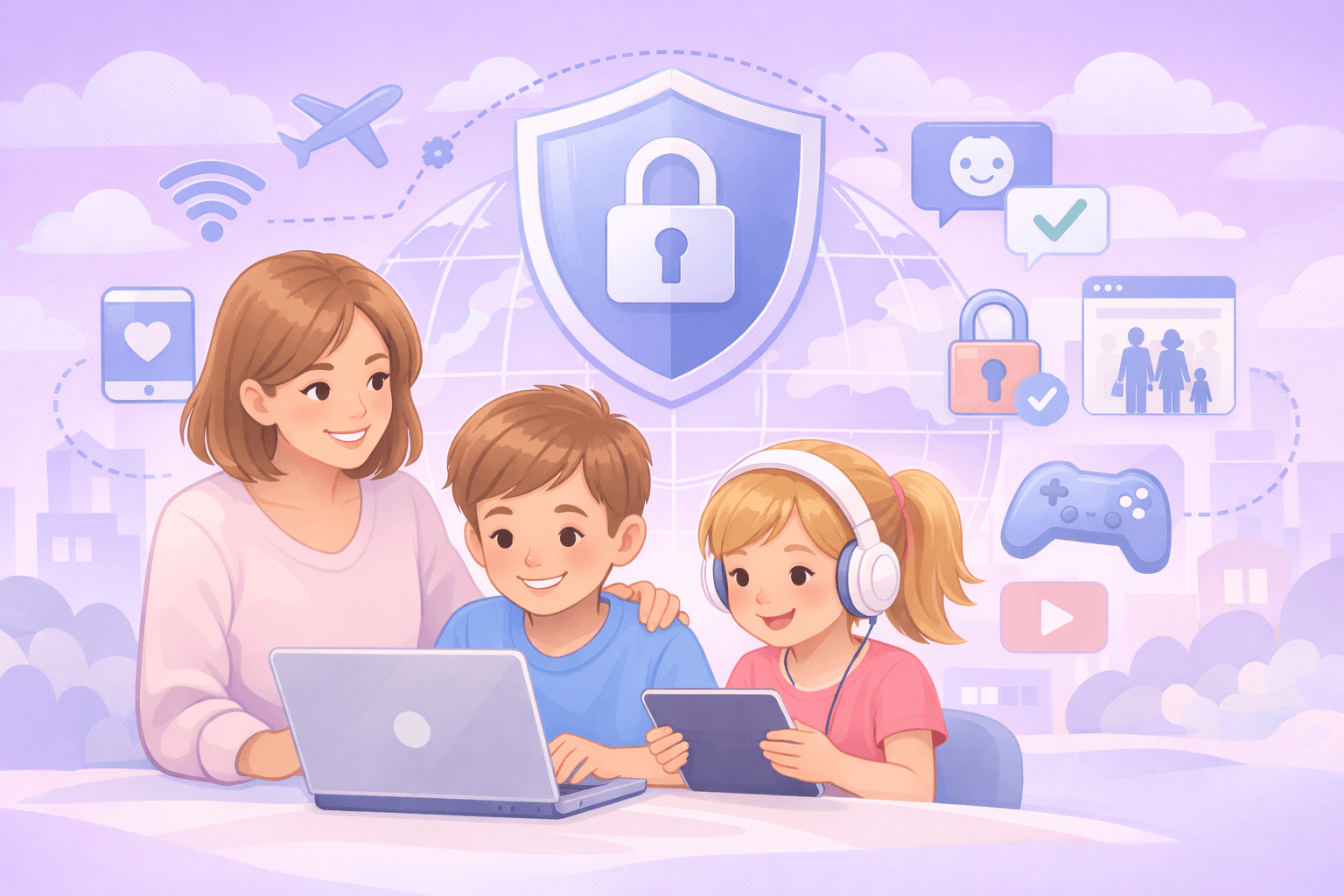
Who is Tracking You in the Digital World?
Did you know you're not alone while browsing the internet? Ad networks, data brokers, social media platforms, search engines, and even your internet service provider are constantly monitoring your online movements. Which sites you visit, what you buy, which videos you watch, where you are, and even unique device characteristics like your fingerprint are being recorded. This data is used for everything from showing you personalized ads to determining your credit score. Outline VPN, developed by Google's technology incubator Jigsaw, is a powerful solution designed to stop online tracking and reclaim your digital privacy. All your internet traffic is protected with 256-bit military-grade encryption, providing a private browsing experience.
Data Collection Mechanisms and Risks
Online tracking is carried out through many different methods. Cookies track you across websites. Website fingerprinting creates a unique identity from your browser and device characteristics. Ad networks create profiles that combine all your internet activities. ISPs (internet service providers) record all the sites you visit and may sell this data to third parties. Additionally, free apps and services often use data collection as their business model. The consequences of this tracking can be disturbing: targeted ads, price discrimination (forcing you to see higher prices), credit score impact, and even political manipulation. Outline VPN renders most of these tracking mechanisms ineffective by hiding your IP address and encrypting all your traffic.
How Does Outline VPN Block Online Tracking?
Outline VPN offers multi-layered protection against online tracking. First, it hides your real IP address. Your IP address is the most basic way to track your geographic location and internet activities. Outline VPN allows you to connect to the internet using an IP address that is not yours. Second, it encrypts all your internet traffic end-to-end. Thanks to this encryption, your ISP, network administrator, or other people on the same network cannot see which websites you visit. Third, Outline VPN also encrypts your DNS queries, so even the domain names of the sites you visit remain hidden. Outline VPN's zero log policy means that the company itself does not record your activities. With servers in 75+ countries, you can appear as if you are connecting from different parts of the world, thus also blocking geographic tracking.
Key Advantages of Stopping Online Tracking
Reclaim Your Privacy: Prevent anyone from tracking your digital footprint without permission
Lower Prices: See better prices for the same products by protecting against dynamic pricing
Escape Targeted Ads: Block annoying ads based on your personal data
Prevent Discrimination: Block discrimination based on your geographic location, gender, or other characteristics
Digital Autonomy: Decide for yourself which data to share
Outline VPN Against Online Tracking in Daily Life
By actively using Outline VPN in your daily internet use, you can escape constant tracking. While reading news sites in the morning, searching for products on shopping sites, watching videos, or browsing social media, dozens of trackers in the background continue to monitor you. With Outline VPN, these trackers cannot collect any data because your traffic is encrypted and routed. The risk of tracking increases exponentially especially when traveling, on hotel or airport Wi-Fi. Outline VPN provides the same level of protection on public networks. Additionally, unlike free VPN services, Outline VPN does not collect or sell your data, making it a solution you can trust.
Outline VPN Against Fingerprinting and Advanced Tracking Methods
Modern tracking methods are not limited to IP addresses and cookies. Browser fingerprinting combines many characteristics such as your screen resolution, operating system, installed fonts, and plugins to create a unique 'fingerprint' that identifies you. While Outline VPN alone cannot completely block fingerprinting, it makes profiling harder by hiding your IP address and geographic location. Additionally, along with Outline VPN, you can further increase your protection by strengthening browser privacy settings, using tracking blocker extensions, and preferring private browsing modes. Outline VPN is the most important part of your privacy toolkit.
Outline VPN Usage Guide for Online Tracking Protection
Using Outline VPN to stop online tracking is quite simple. First, select the Outline VPN package that suits your needs. After purchase, save the access key received via email. Install the Outline application on your devices (Windows, macOS, Android, iOS, Linux) and add your key. Whenever you connect to the internet, turn on Outline VPN and select the server you want to connect to. For best performance, choose the server geographically closest to you. You can enable the 'always on' feature on your devices to stay constantly protected. Remember, online trackers are watching you all the time; it's time to close their eyes with Outline VPN. We offer risk-free trial opportunity with 24/7 multilingual support and 14-day money-back guarantee.
Related Topics
 16.04.2026
Data Security in Healthcare with Outline VPN: Guide to Protecting Patient Information
The healthcare sector is one of the most targeted industries by cyber attackers. Patient records, medical data, Electronic Health Records (EHR), and Protected Health Information (PHI) fetch high prices on darknet markets. In recent years, ransomware attacks, data breaches, and phishing attempts targeting hospitals have significantly increased. These attacks not only violate patient privacy but can also disrupt vital healthcare services. Outline VPN, developed by Google's technology incubator Jigsaw, is a professional solution designed to ensure data security in healthcare. All patient and medical data traffic is protected with 256-bit military-grade encryption.
 04.05.2026
Outline VPN vs Tor Network: Make the Right Choice for Your Privacy
When it comes to online privacy and anonymity, two powerful tools stand out: VPNs (Virtual Private Networks) and the Tor network (The Onion Router). Both aim to hide your internet traffic and make it difficult to track your online activities, but there are fundamental differences in how they do this, the level of security they offer, and the user experience. Outline VPN, developed by Google's technology incubator Jigsaw, is a VPN solution that prioritizes speed and ease of use. Tor aims to provide maximum anonymity by layering traffic through thousands of volunteer-operated nodes. In this guide, we will compare Outline VPN and Tor network in terms of technical details, speed, security, privacy, and use cases to help you choose the right tool for you.
 08.10.2025
Social Media Security with Outline VPN: Protecting Your Account Information Guide
Today, social media platforms have become an indispensable part of our personal and professional lives. However, platforms like Facebook, Instagram, Twitter, and LinkedIn are among the most targeted areas by cybercriminals. Account hacking, identity theft, data leaks, and misuse of personal information pose significant threats to social media users. Outline VPN, developed by Google's technology incubator Jigsaw, is a professional solution designed to secure your social media accounts. All your social media traffic is protected with 256-bit military-grade encryption.