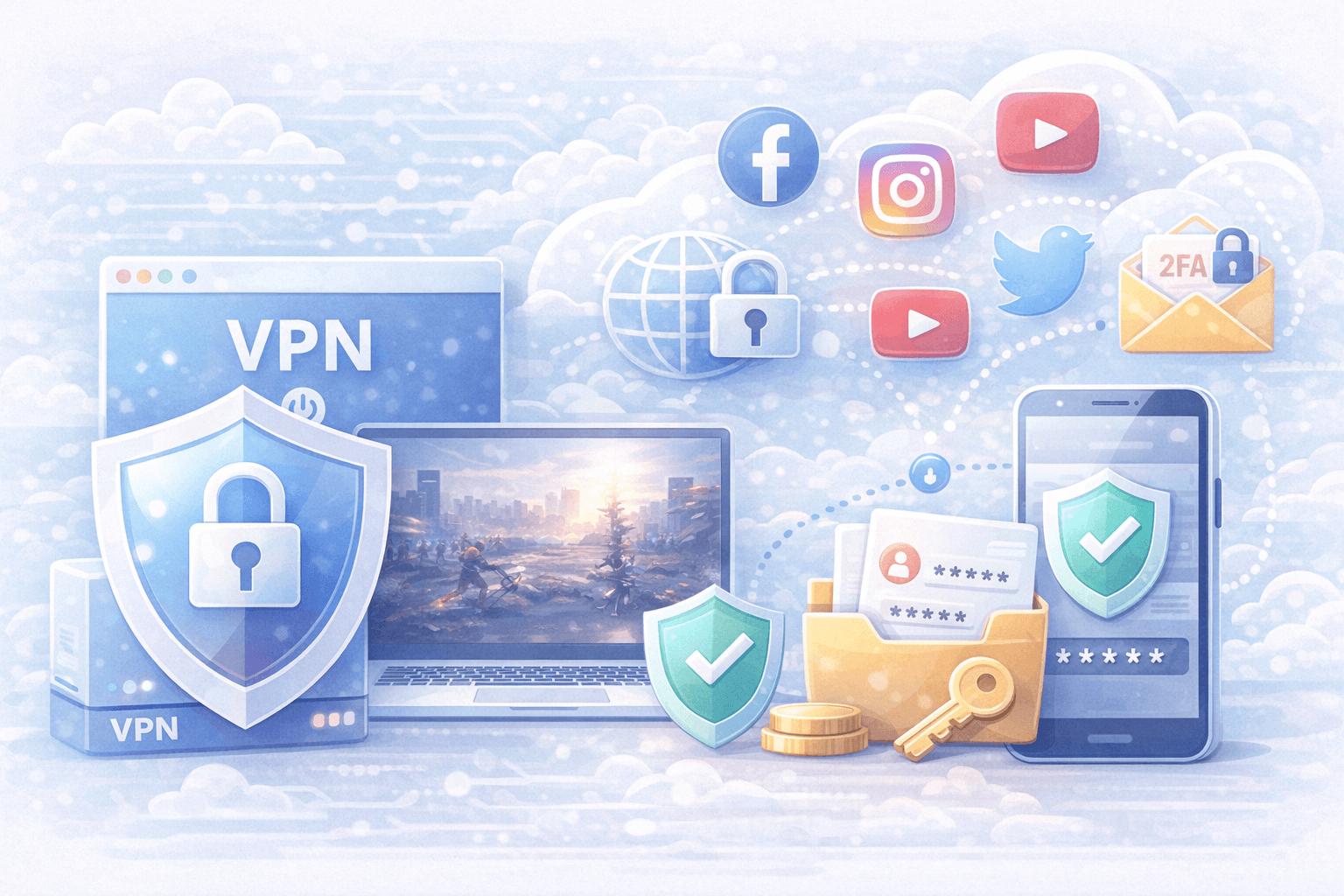
Privacy Threats in Messaging Apps
Even though messaging apps like WhatsApp, Signal, and Telegram offer end-to-end encryption, this does not make you completely secure. Your Internet Service Provider (ISP) can still see who you communicate with, when, and for how long (metadata), as well as which app you use and your approximate location. Additionally, VoIP calls (voice/video calls) made on public Wi-Fi networks can become vulnerable to attacks. In some countries, messaging apps may be completely blocked or restricted. Outline VPN, developed by Google's technology incubator Jigsaw, is a professional solution designed to ensure the privacy of your messaging and VoIP calls. All your communication traffic is protected with 256-bit military-grade encryption, and your metadata is hidden.
Which Data is at Risk in VoIP and Messaging?
When using messaging apps, more data is exposed than you might think. The identities of people you communicate with, call durations, frequencies, device information, your IP address, and approximate geographic location (referred to as metadata) are often not encrypted. Your ISP or network administrator can access this metadata. Furthermore, STUN/TURN servers used to improve call quality can also see your IP address. Outline VPN encrypts all your data traffic (message content, metadata, VoIP signaling), preventing third parties from seeing this information. Your real IP address is hidden, so your location and communication habits cannot be tracked. Especially for apps like Telegram that offer optional encryption, VPN provides an additional security layer.
How Does Outline VPN Ensure VoIP and Messaging Privacy?
Outline VPN provides multi-layered protection for messaging and VoIP privacy. All your communication traffic is routed through an encrypted tunnel, so your ISP or network administrator cannot even tell that you are using WhatsApp, Signal, or Telegram. Since your real IP address is hidden, the STUN/TURN servers used by the apps cannot see your real location. The automatic kill switch feature stops internet traffic if the VPN connection drops, preventing message or call data from leaking unencrypted. Outline VPN's zero log policy means that the company itself does not record your communication metadata. With server options in 75+ countries, you can communicate uninterrupted even in regions where messaging apps are blocked.
Advantages of Using Outline VPN for Messaging and VoIP
Metadata Privacy: Hide who you communicate with, when, and how often
Bypass Geographic Restrictions: Access WhatsApp, Telegram in countries where they are blocked
Public Wi-Fi Protection: Secure VoIP calls in cafes, hotels, airports
Censorship Circumvention: Communicate freely even in countries with internet censorship
IP Masking: Hide your real location from messaging apps and attackers
When Should You Use Outline VPN?
You should use Outline VPN in many scenarios when using messaging and VoIP. When traveling and connecting to hotel or airport Wi-Fi, these networks are often insecure and your VoIP calls could be eavesdropped. If you are in a country with internet censorship, Outline VPN is essential to access apps like WhatsApp or Telegram. Even at home or work, if you don't want your ISP recording your communication habits, you can use Outline VPN. Outline VPN is ideal as an extra security layer, especially for sensitive business calls, personal health information, or private chats. Additionally, when used together with end-to-end encrypted apps like Signal or Telegram's 'secret chat', you achieve double-layer encryption.
Accessing Blocked Messaging Apps with Outline VPN
In many countries, WhatsApp, Telegram, Signal, and other messaging apps may be temporarily or permanently blocked for security or political reasons. These blocks are typically done through DNS filtering, IP blocking, or Deep Packet Inspection (DPI). Outline VPN bypasses all these blocking methods. Thanks to the encrypted tunnel, your ISP cannot detect which app you are using. Additionally, Outline VPN's dynamic server switching feature instantly connects to a new server if one gets blocked. With server networks in 75+ countries, you can access your messaging apps uninterrupted no matter where you are in the world. This is particularly critical for journalists, activists, and frequent business travelers.
Outline VPN Usage Guide for VoIP and Messaging Privacy
Using Outline VPN to ensure your messaging and VoIP call privacy is quite simple. First, select the Outline VPN package that suits your needs. After purchase, save the access key received via email. Install the Outline application on your devices (smartphone, tablet, computer) and add your key. Before using apps like WhatsApp, Signal, or Telegram, turn on Outline VPN and select the server you want to connect to. For best audio/video quality, choose the server geographically closest to you. When traveling, always connect to VPN first, then open your messaging apps. We offer risk-free trial opportunity with 24/7 multilingual support and 14-day money-back guarantee.
Related Topics
 03.10.2025
Outline VPN Setup Guide: How to Start Using in 5 Minutes
To start using Outline VPN, you first need to choose an access key package that suits your needs. Outline VPN offers three different packages: Basic, Standard, and Premium. Each package offers different traffic amounts and features. After selecting your package, complete the payment process. Once your payment is confirmed, your access key will be instantly delivered to your email address. This key is a unique code that allows you to connect to Outline VPN. After receiving your key, you can quickly complete the setup by following the steps below.
 29.04.2026
VPN and Open Source Philosophy: Outline VPN's Reliability and Transparency Advantages
When choosing a VPN service, whether the software is closed source or open source is a critical factor for security and trustworthiness. In closed source VPNs, the code is kept secret by the company; users or independent experts have no way to audit how the software truly works, what data it collects, or whether it contains any security vulnerabilities. In open source VPNs, the entire source code of the software is publicly available. Whether there are backdoors, data leaks, or intentional vulnerabilities can be examined by anyone. Outline VPN, developed by Google's technology incubator Jigsaw, is one of the rare VPN solutions that is completely open source. This transparency makes Outline VPN one of the most preferred options for security.
 17.11.2025
E-Commerce Security with Outline VPN: Data Protection Guide for Online Shopping
With the rapid growth of e-commerce, security risks for online shoppers are also increasing. Credit card information theft, identity theft, fake shopping websites, and financial fraud are among the main risks threatening e-commerce users. Especially shopping over public Wi-Fi networks significantly increases the risk of your sensitive financial information falling into the hands of cybercriminals. Outline VPN, developed by Google's technology incubator Jigsaw, is a professional solution designed to secure your online shopping. All your e-commerce traffic is protected with 256-bit military-grade encryption.